How to Create Your Own Amazon Brand Store
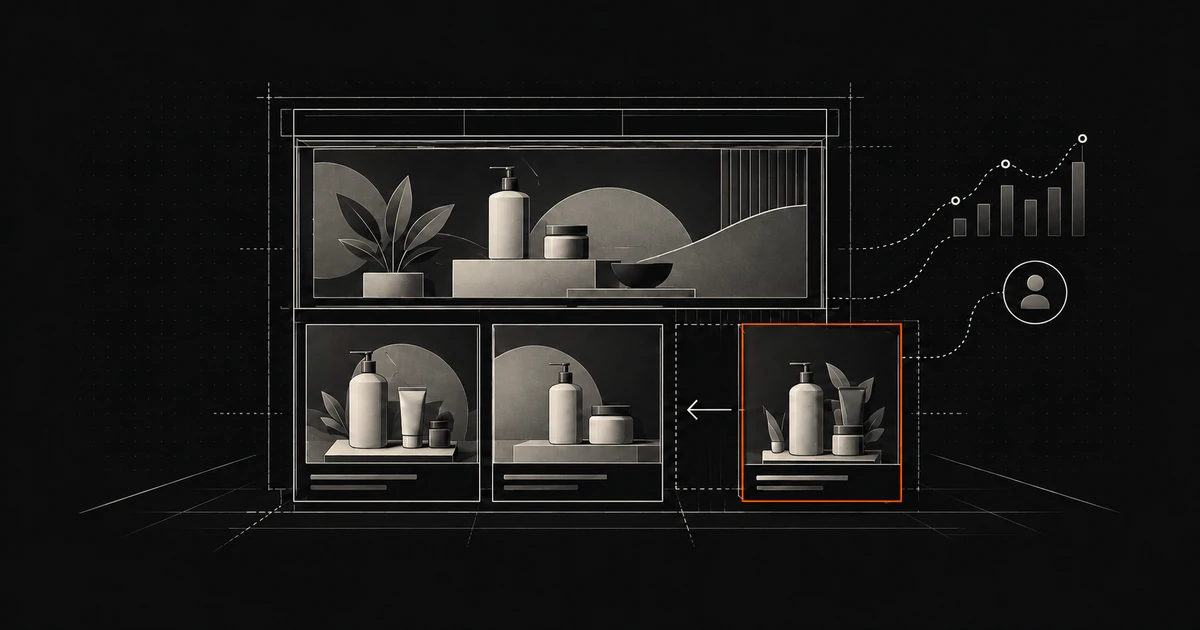
A Brand Store gives your products a home together on Amazon: a place to explain the range, show how items fit together, and tell the brand’s story. You can build it with templates and content tiles rather than writing code.
Creating and maintaining the Store is free. That does not make selling, product photography, or advertising free. This guide uses the US seller route; check availability and account requirements for the Amazon store where you sell.
Who can create an Amazon Brand Store?
Amazon’s current Store eligibility requirements call for a Professional seller or vendor account in good standing. Sellers must have their brand enrolled in Brand Registry, with the correct selling roles assigned. An approved brand with an incorrectly linked selling account can still run into access problems.
Brand Registry enrollment can use an active registered trademark or an eligible pending trademark application from an approved intellectual property office. The trademark owner applies, and the brand name must be permanently affixed to the product or packaging. Owning a trademark alone does not complete enrollment.
The US seller setup also includes an Amazon Ads account. Amazon’s Brand Stores overview confirms that you do not need to run ads to create a Store; agencies can also manage Stores for eligible brands. A US Professional selling plan currently costs $39.99 per month, plus selling fees. Keep that business cost separate from the free Store builder.
This is a Brand Store, rather than an Amazon Influencer storefront. The former presents a brand’s products; the latter lets eligible creators recommend products from different brands and earn commissions on qualifying purchases. A seller profile is a separate destination again, so make sure you are working in the Brand Store builder.
With a Brand Store you can:
Use a dedicated Amazon URL for your brand.
Create pages for product categories, collections, or different customer needs.
Arrange images, videos, text, and products using Amazon’s layouts.
Send shoppers to a relevant page and measure what happens after they arrive.
Shoppers can discover Stores through brand bylines on product pages, Amazon shopping results, advertising, and links you share elsewhere. Those routes create opportunities, not a promise of traffic or a particular search position.
What a Brand Store does for your brand
The useful part is control over the presentation. Instead of asking a shopper to assemble the range from separate product pages, you can guide them through it: everyday products first, specialist products next, then an explanation of how to choose.
That is merchandising, not counterfeit enforcement. Building a Store does not give you exclusive selling rights on an ASIN or remove competing offers. Amazon’s US rights-owner policy distinguishes intellectual property complaints from exclusive distribution and minimum advertised price agreements, which Amazon does not enforce through that policy.
If another seller’s product is counterfeit or does not match the detail page, investigate the specific offer and evidence. Our guide to Amazon listing hijacking explains those reporting routes. Keep that work separate from choosing which products and stories to feature in your Store.
How to create your branded Amazon storefront
Amazon’s current setup guide gives two routes. In Seller Central, open Stores → Manage Stores, then sign in to Amazon Ads if prompted. From the advertising console, use Brand Content → Brand Stores → Create Brand Store. Select the correct brand and marketplace before adding content.
Plan a small, useful first version. Write down the job of the homepage and each subpage, the products it needs, and the photos or explanations that will help a customer choose. A long menu with half-empty pages is less useful than a few clear choices.
Uploading your brand logo
Enter the customer-facing brand name and upload a clear logo. The current creative specifications require a logo of at least 400 × 400 pixels. The setup includes an option to show the logo in the header. Check that it remains recognizable in the mobile preview, where the available space is smaller.
Adding a page description
Add a brief meta description that accurately summarizes the page. Think about the shopper who sees the page before they know your brand: what will they find here, and why is it relevant? Avoid stuffing every product keyword into one sentence.
The meta description helps describe the page for search engines. It does not guarantee the exact text a search engine will display. Keep the visible page heading and content useful on their own too.
Amazon storefront design
Choose a pre-designed template or start with a blank one, then arrange the tiles around your page’s purpose. Amazon supports multiple pages; use Page Manager → Add a page to build out the structure. For each page, enter its name and description and choose a template.
A category page can help customers compare a range. A product-focused page can explain how one important item works. A seasonal page can bring a relevant selection together. There is no need to force every product into the same layout, some need more explanation than others.
Adding content
Use text for the details customers need, images to show the product in context, and video where a demonstration helps a customer understand the product. Product grids, product collections, shoppable images, and automated product widgets give you different ways to present the catalog. Products must be listed on Amazon before you can add them to the Store.
Tile sizes depend on the tile type. A gallery, product grid, and video do not all offer the same size choices. Follow the current tile and image specifications for the actual tile you choose.
Preview the whole journey on desktop and mobile. Open every navigation item and product link, check crops and text readability, and confirm that the displayed products are the ones you intended. Then review the current content requirements linked from the builder before choosing Submit for publishing.
Amazon moderates the Store before it goes live. Its current moderation guidance says review typically finishes within 24 hours but can extend to three business days. You cannot edit the Store during review. Allow time for corrections, especially before a campaign or holiday; a finished draft is not a guaranteed launch date.
Bring shoppers to the Store and measure the results
Choose the landing page to match the message. A campaign about one product range should lead to that range, rather than making the shopper search the homepage again. Sponsored Brands can link to your Store or a relevant subpage. You can also share Store links through your own website, social posts, and marketing campaigns.
For an external holiday email campaign, create a distinct source tag to separate that campaign in your reporting. Amazon’s source-tag instructions explain how to create one:
Open Stores and choose View Insights for the Store.
Choose Create source tag and select the destination page.
Enter a descriptive tag name, then use Copy link.
Put that generated link in the relevant external campaign and test it before launch.
A tag uses the ?channel=tag-name parameter. Use the generator so you do not accidentally break a URL with existing parameters. Amazon says these tags are not supported with Sponsored Brands campaigns; keep the external tagged campaign separate from Amazon’s Sponsored Brands reporting.
For email, use your own appropriately consented audience. An Amazon order is not permission to add a buyer to a promotional mailing list. See our guide to building an independent email audience for that distinction.
The current Stores metrics guide groups traffic into Sponsored Brands, Amazon organic traffic from product-page brand links, Your tags, and Other sources. Do not assume that every visit without a tag will have its exact originating campaign identified.
Store sales are attributed estimates, not a profit calculation. Amazon defines the sales metric as estimated sales generated by Store visitors within 14 days of their last visit. To judge whether your campaign was worthwhile, compare that evidence with its spend, product margins, fees, returns, and the limits of attribution. A bigger attributed-sales number alone does not establish extra sales caused by the campaign.
Stores Insights lets you compare pages and traffic sources. Views and daily visits become available the next day; attributed units and sales after two days. Small tagged sources can be grouped under Other tags, so give a campaign time and enough traffic before drawing conclusions.
Build a useful destination, then improve it
A Brand Store is worth considering when customers need to understand a range, see products in use, or learn what the brand stands for. Start with a clear route through your products, check it carefully, and send relevant traffic to it.
Then return to the results. Fix the page that people leave, refresh a range when the catalog changes, and compare one change at a time where you can. It takes a little ongoing work, thats the part a free builder does not do for you. Neither a first-page product ranking nor a Store launch guarantees a sales increase.
Adapted from an article originally published on Bindwise; reviewed and updated for Hopted by Vlad Rudenko and the Hopted editorial team.