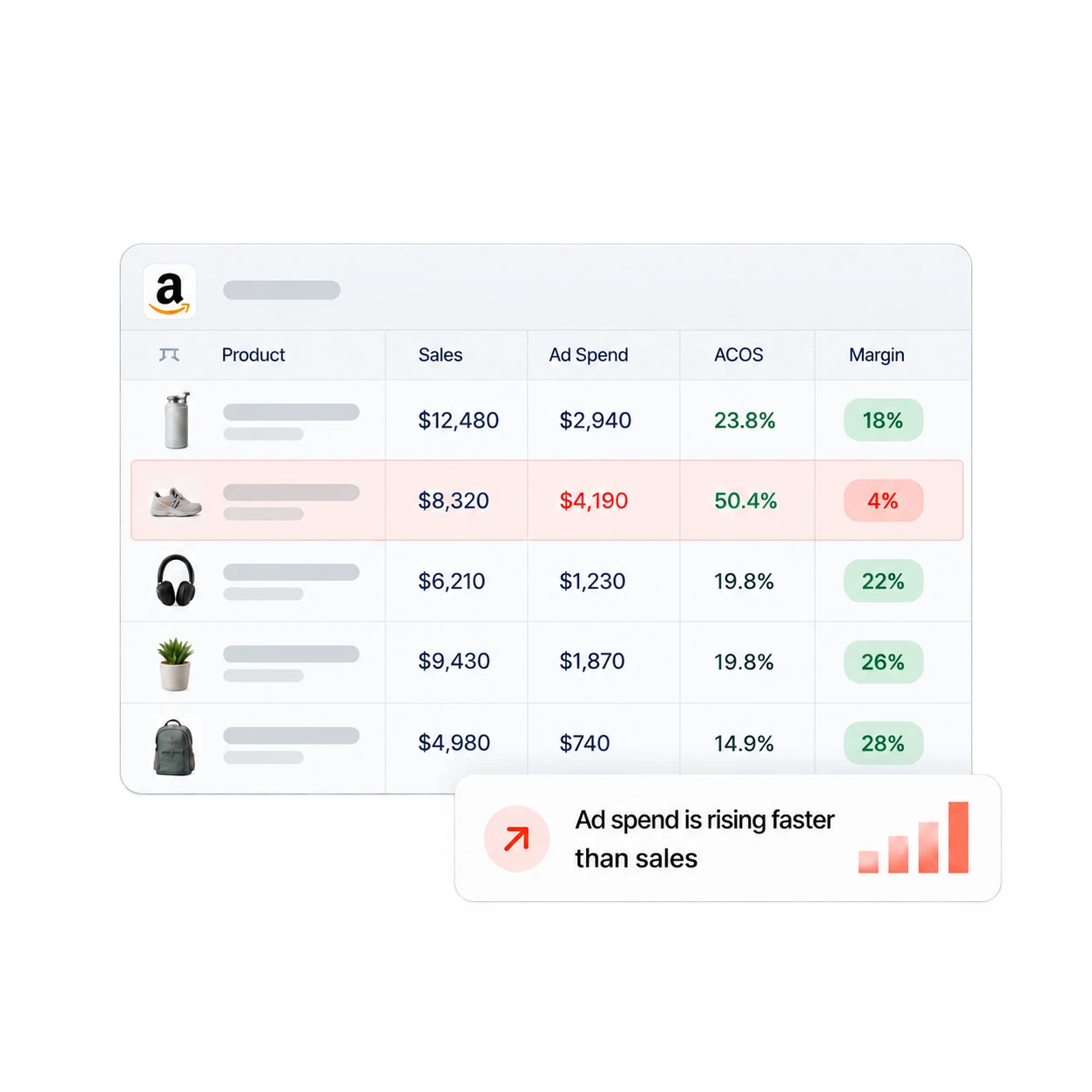
Put Seller Central sales and traffic next to Amazon Ads spend, search terms, and campaign performance. See which SKUs are growing and where advertising is helping or hiding weak margin.
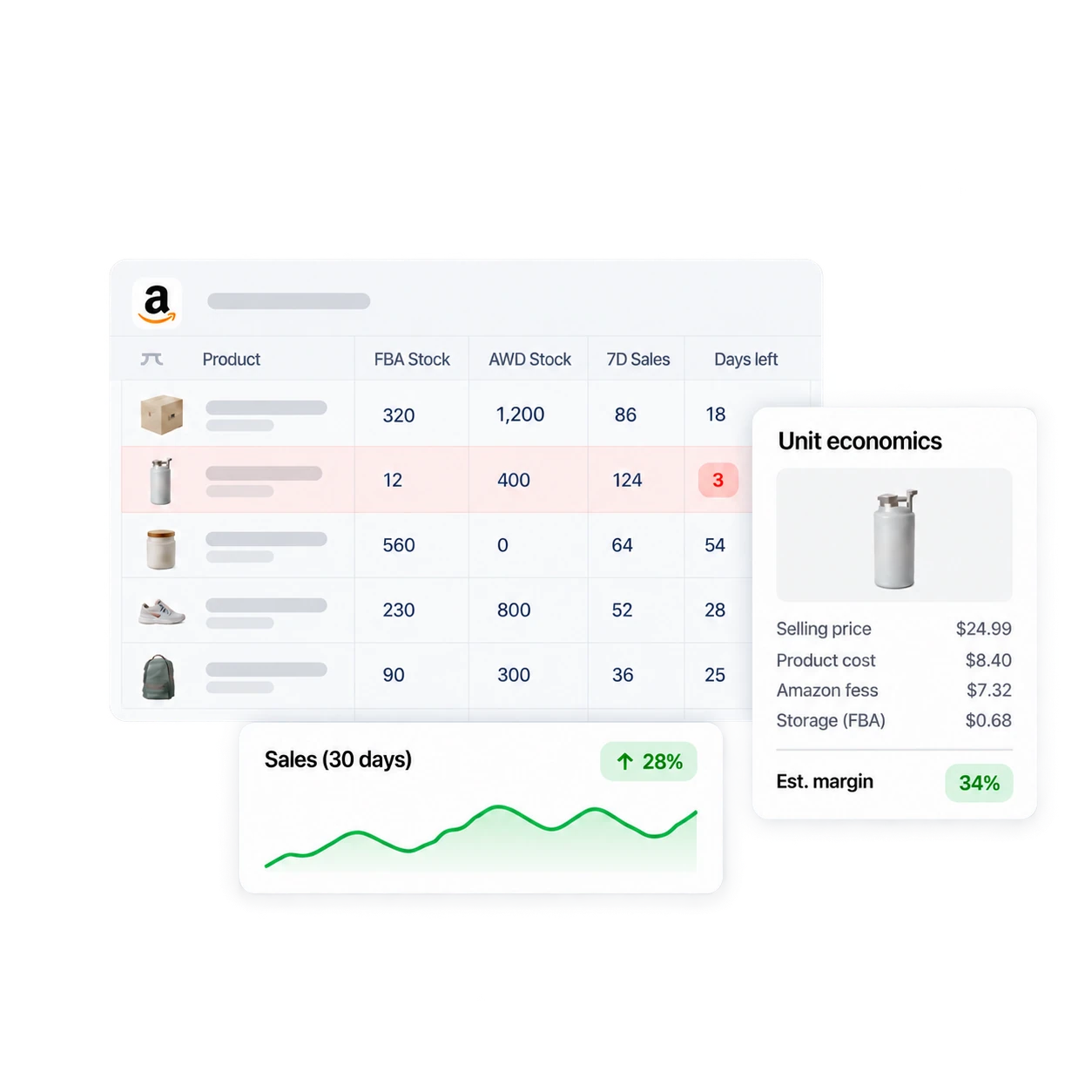
Join sales velocity with FBA and AWD inventory, storage charges, referral fees, reimbursements, and your own cost data to plan replenishment around real SKU economics.
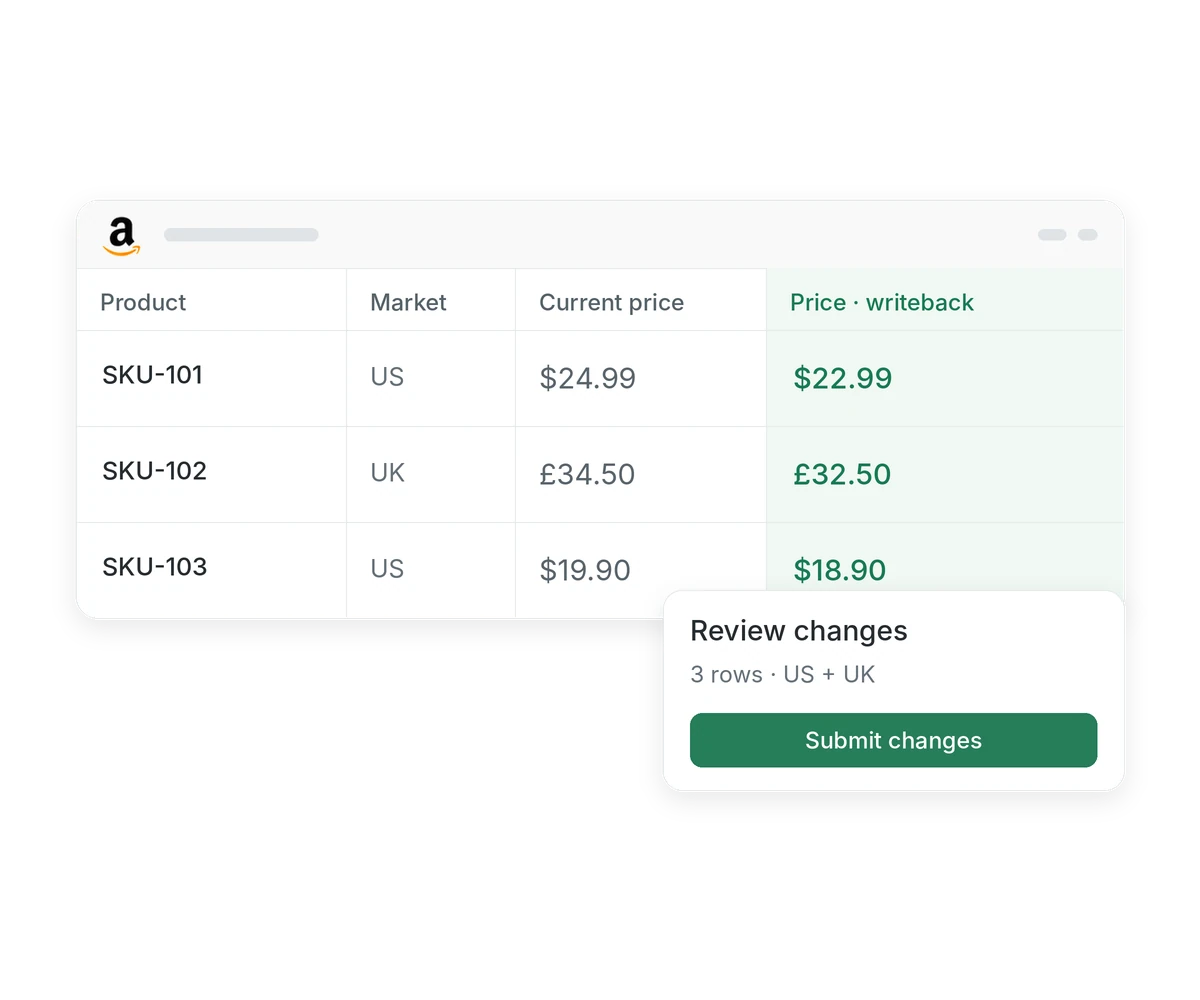
Monitor listing quality and suppression issues, keep a shared set of approved values, then preview supported edits before your team submits them to Amazon.
Review current Buy Box winners and your share beside competing offer prices including shipping. Spot potential hijackers on your private label listings.
Hopted brings sales, traffic, orders, inventory, fees, listings, account health, and Amazon Ads data into Google Sheets. Teams can build reporting, replenishment, profitability, catalog, and PPC workflows around that live data.
Yes. Seller Central and Amazon Ads are separate connectors, but Hopted can bring both data sets into the same workbook so you can compare ad spend with sales, traffic, and profitability.
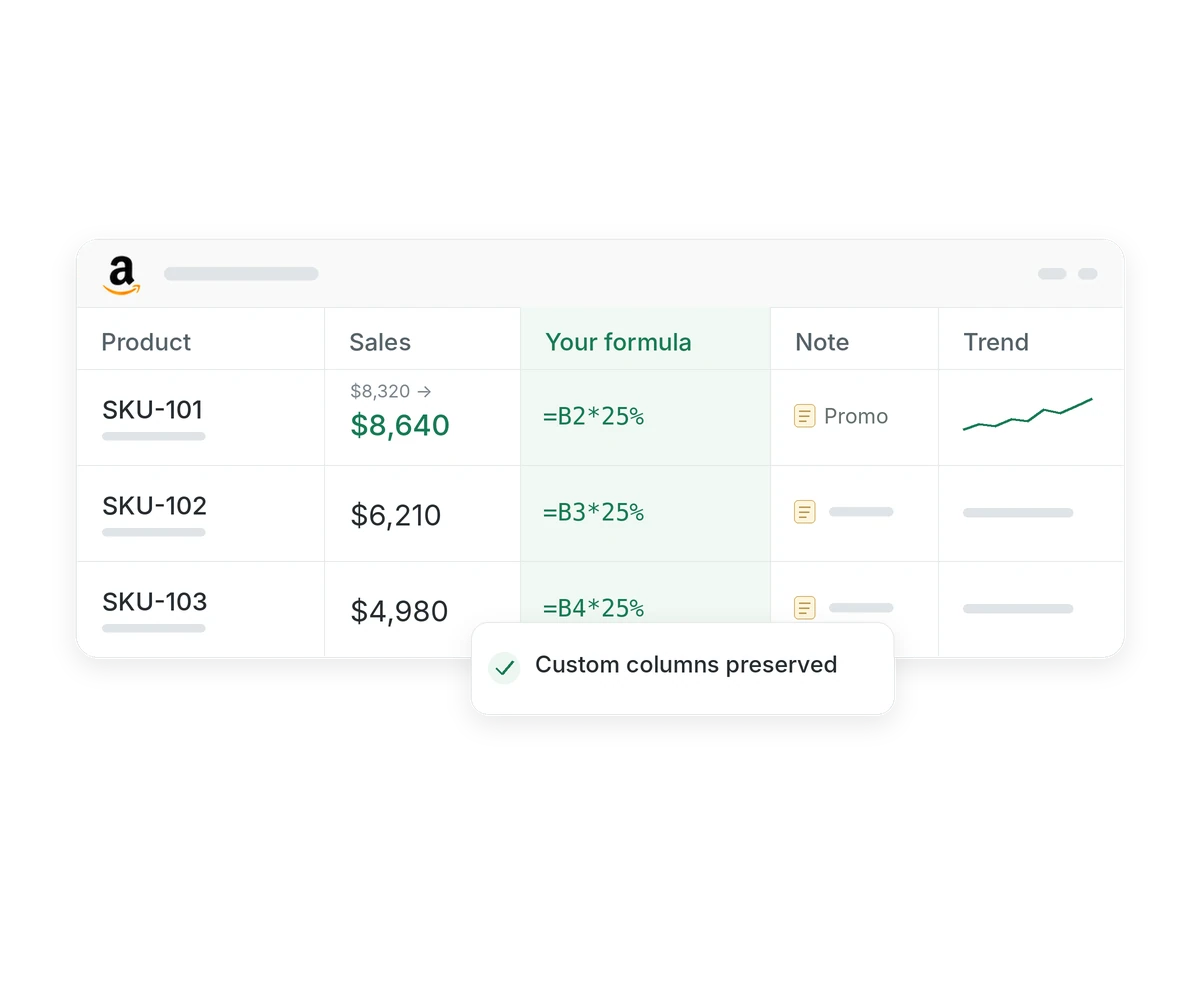
No. Hopted updates linked data non-destructively. Your column order, renamed headers, formulas, charts, notes, and formatting stay intact as rows and values refresh.
Yes. Connect multiple Seller Central and Amazon Ads accounts and combine them in a master workbook or keep separate workbooks. Rows retain their source account and marketplace.
Yes. With Writebacks, you can edit supported listing attributes in Google Sheets, preview the proposed changes, and submit reviewed updates to Amazon.
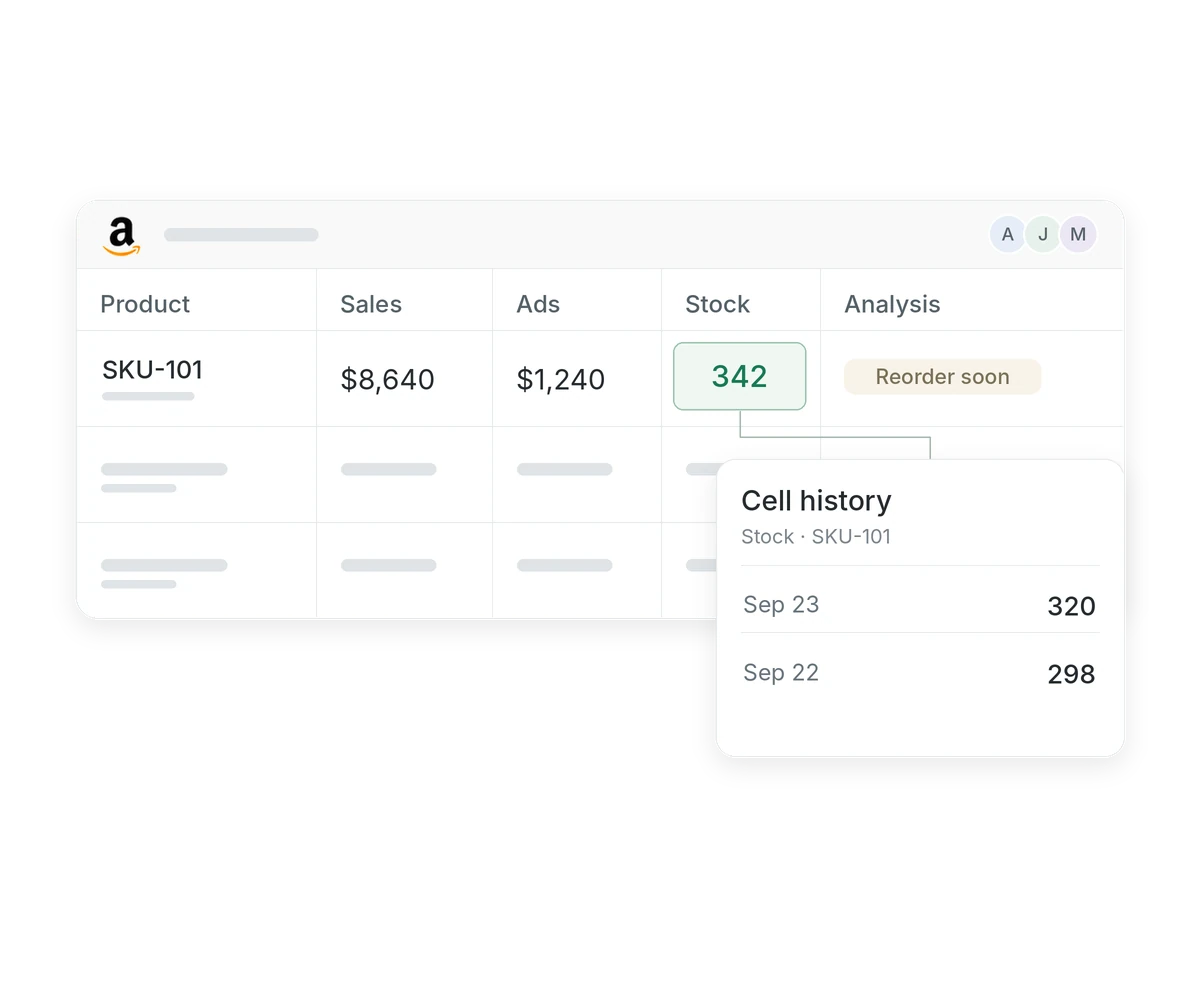
Yes. Scheduled imports keep previous values available in the workbook, so your team can inspect changes over time and compare periods without rebuilding the data set.
Take the next step.
Work with Amazon data in Google Sheets — without manual exports.