Get the data

Amazon’s prefilled fileDownload the family spreadsheet

Hopted + Google SheetsImport listings and relationships into your Sheet
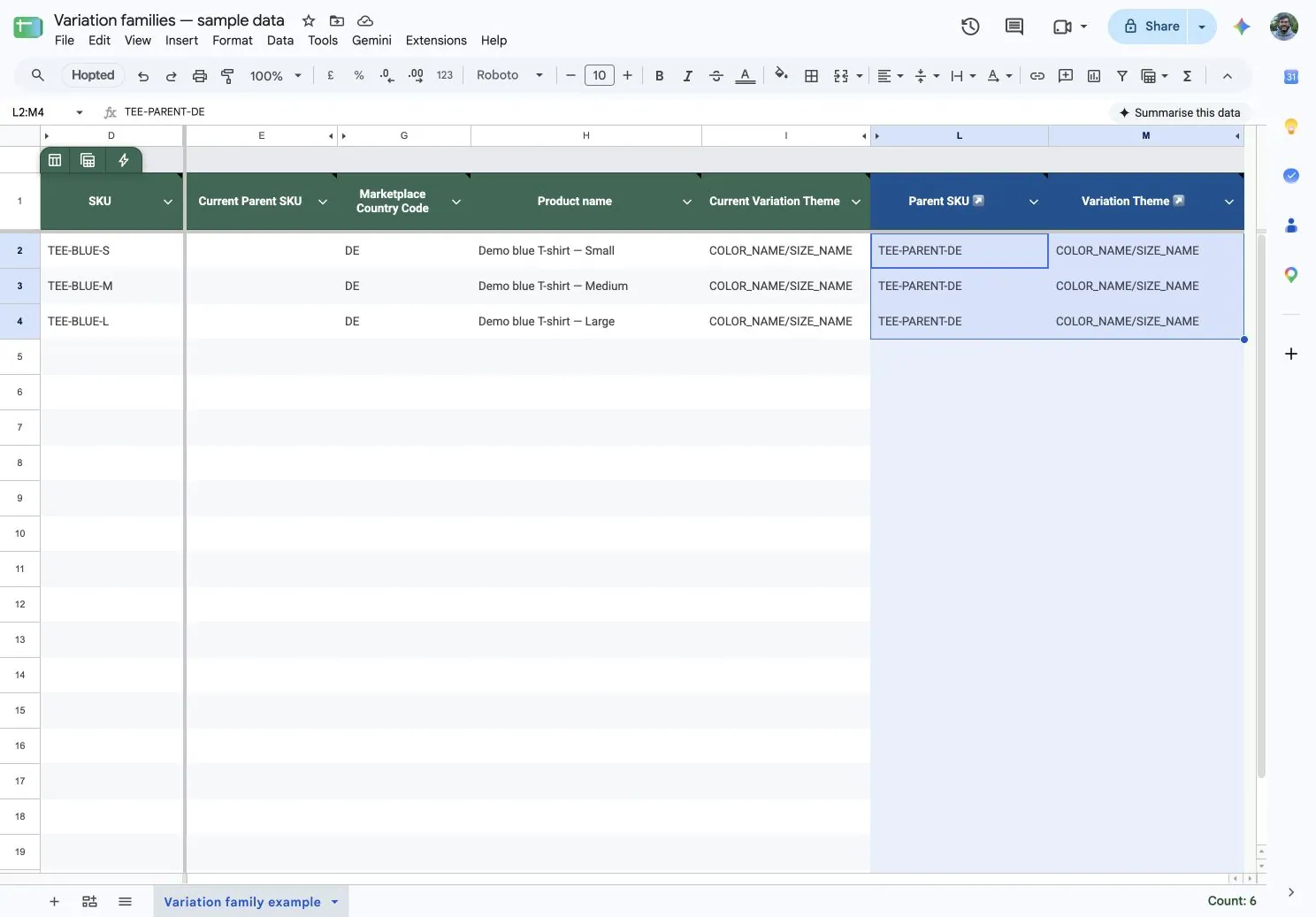
Missing a parent SKU? Create one directly from Google Sheets using Hopted, then connect your child listings.
Yes. Enter the existing parent SKU in the intended children’s editable Parent SKU cells. Check the variation theme and required attributes, then review and submit the changes through Writebacks.
Yes. Give each child the parent SKU for its own family, then review the selected edits together. Check every destination account and marketplace before submitting.
Yes. Use the listings for each destination marketplace. The parent SKU, variation theme and required attributes must be valid for the product in that marketplace. Amazon validates the changes.
Create the missing parent first, confirm it is ready, then connect the children. Follow the parent SKU guide for that separate step.