Amazon inventory management software in Google Sheets
Bring Amazon stock and sales into your team’s Google Sheet. Review availability across marketplaces and plan replenishment with your own lead times.
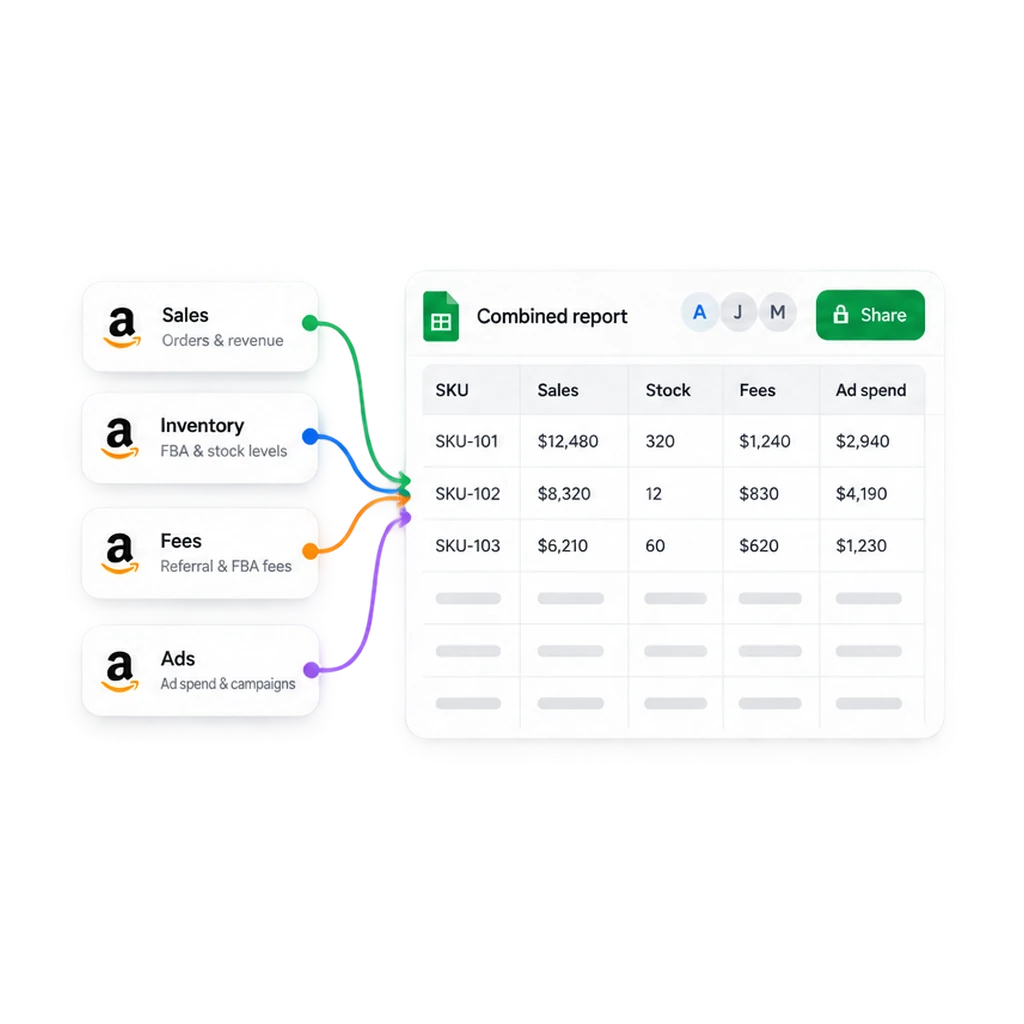
From Amazon reports to your inventory plan
Connect once. Choose your stock and sales data, then keep your planning workbook refreshed.
1. Connect your Amazon accounts
Install Hopted in Chrome, open a Google Sheet, and connect Amazon Seller Central. Select the accounts and marketplaces your team manages.
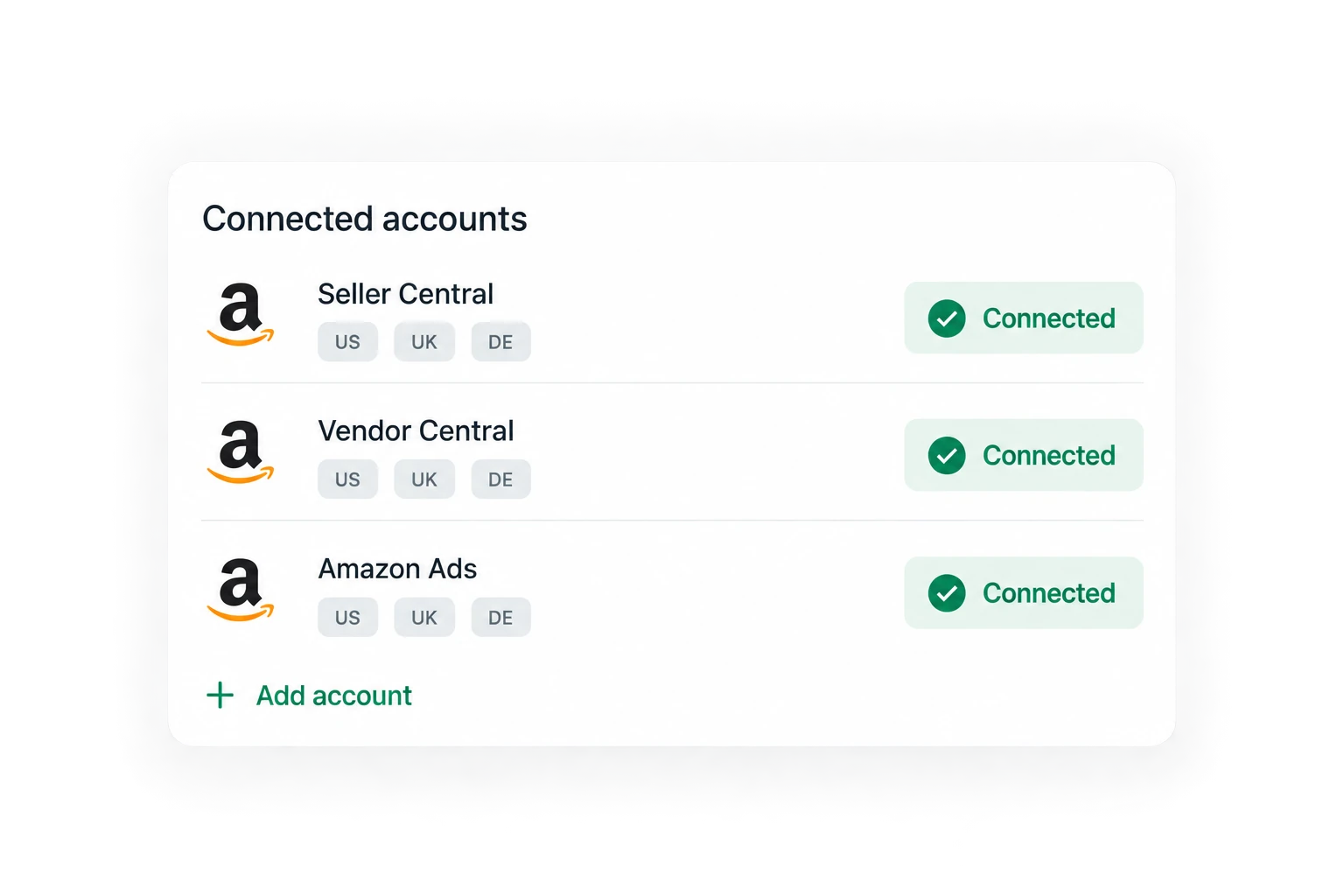
2. Combine inventory and sales
Choose inventory quantities and recent units sold. Keep account, marketplace, and SKU identifiers together so your stock and demand calculations match.
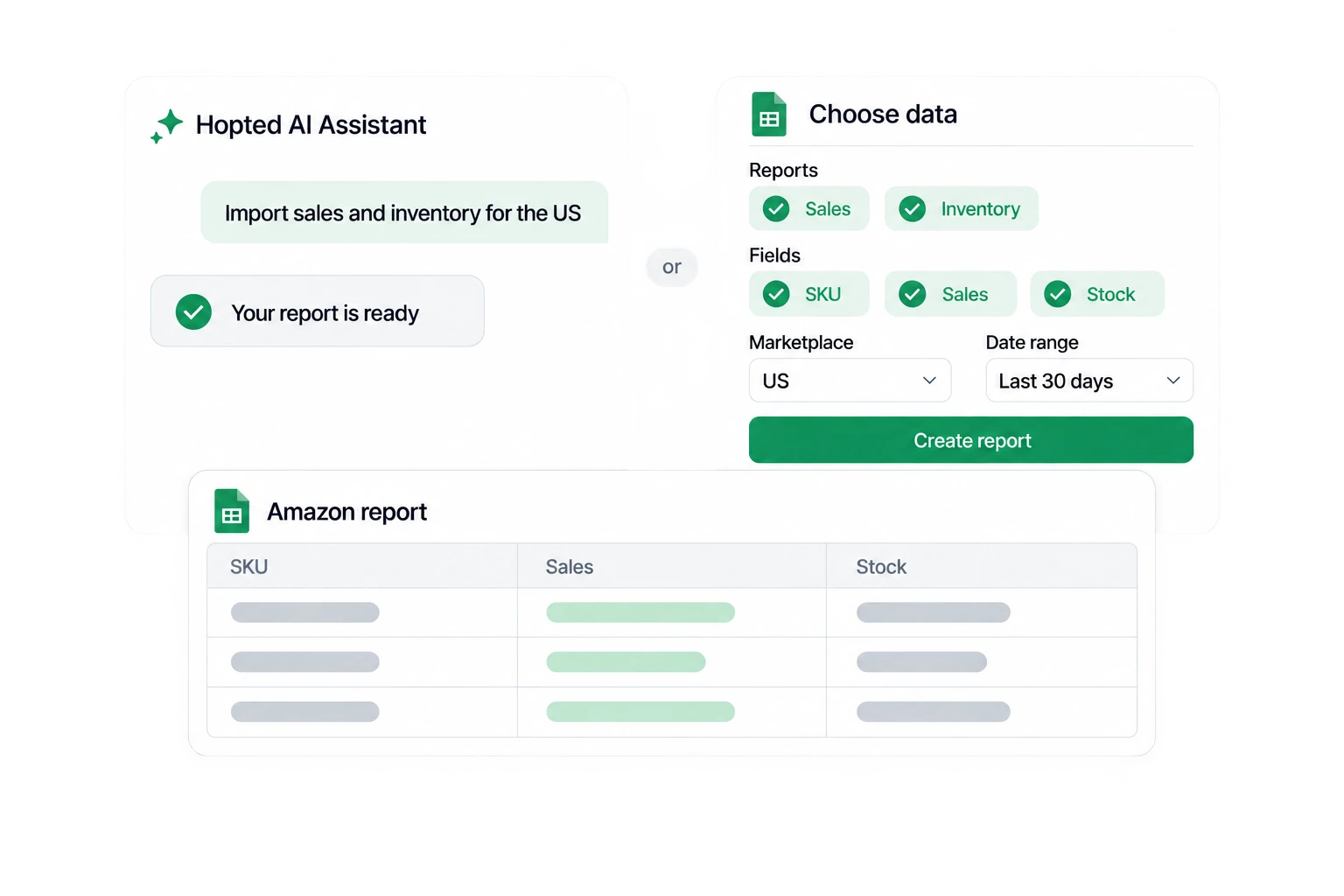
3. Refresh and review your plan
Schedule imports and add your lead times, buffer stock, and supplier inputs. Hopted refreshes linked values while your formulas, notes, and formatting stay in place.
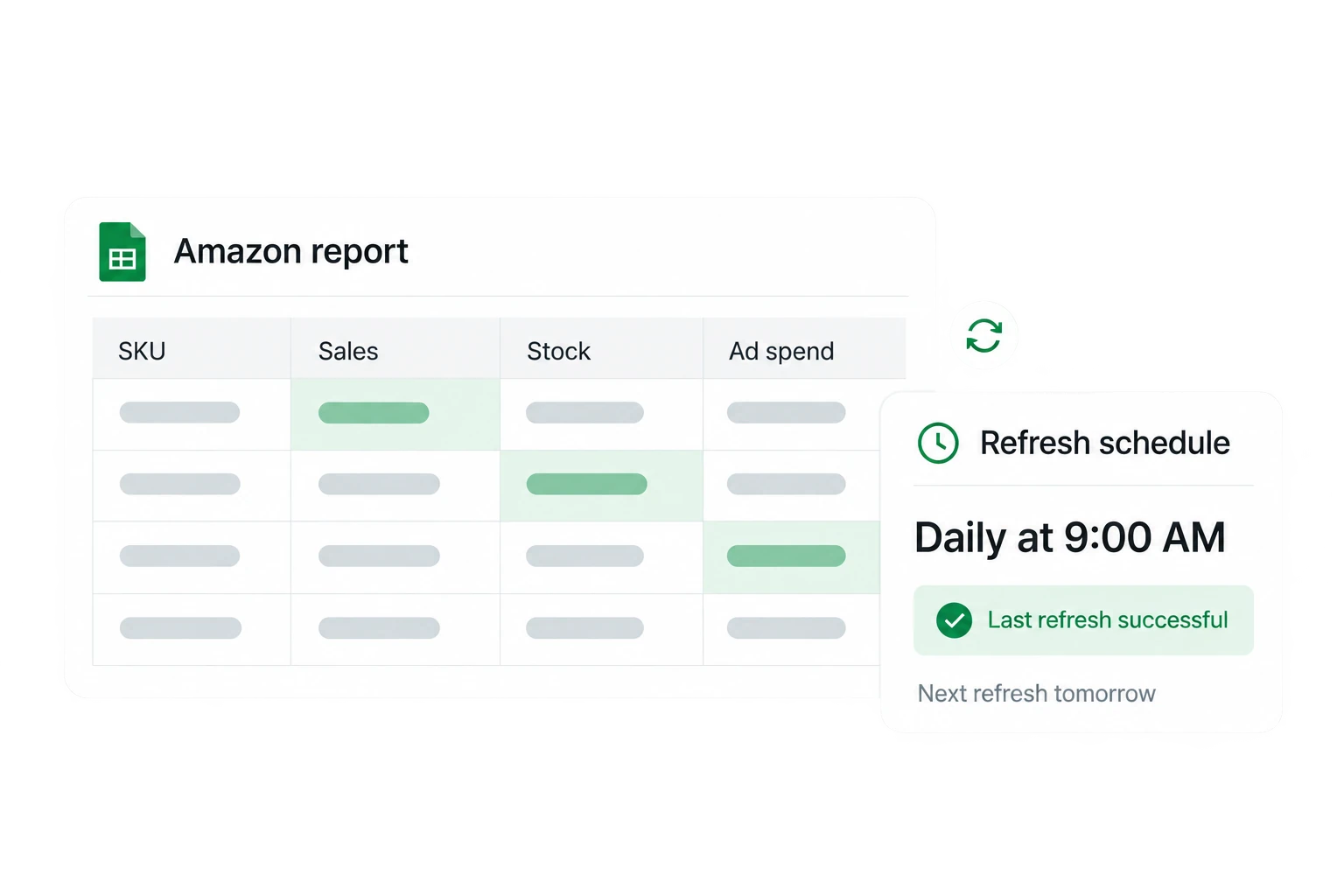
The stock and sales behind each decision
FBA availability and inbound stock
Review sellable, reserved, unsellable, and inbound quantities separately. Units on the way are not yet available to sell.
Sales velocity by product
Compare recent units sold with stock for the same product, account, marketplace, and period. Use that demand baseline in your own planning model.
Restock signals and stranded inventory
Bring Amazon’s reported restock recommendations into your review. Check stranded stock separately, because inventory without an active offer cannot sell.
AWD alongside FBA
Include Amazon Warehousing & Distribution stock in your supply view. Keep upstream AWD quantities separate from stock available for FBA fulfillment.
One SKU. A replenishment decision you can explain.
120 sellable units
Illustrative SKU: 300 units sold in 30 days gives a baseline of 10 units per day. Keep reserved and unsellable stock out of available quantity.
12 days of stock cover
120 available units ÷ 10 units per day = 12 days of cover. This simple estimate assumes steady demand and excludes inbound stock until it becomes sellable.
28 days of target cover
Your team sets a 21-day lead time and a 7-day buffer. At 10 units per day, that means a target of 280 units. Adjust the assumptions for receiving delays and seasonality.
160 units to review
With no confirmed inbound supply, 280 target units − 120 available units = 160 units to consider. Review supplier minimums, pack sizes, and delivery dates before placing an order.
Built for teams that plan in spreadsheets
Keep your own planning model
A fit for sellers, brands, and agencies that want refreshed Amazon data with flexible Sheets calculations. Add warehouse stock, supplier lead times, and purchase-order inputs yourself.
Review stock changes with your team
Hopted keeps previous imported values from your first sync. Open a stock cell’s history to see what changed and when, alongside your team’s notes.
Flag items that need attention
Use Google Sheets conditional formatting to highlight low cover or delayed inbound stock. Your team chooses the thresholds and reviews the flagged products.
Keep control of replenishment
Hopted supplies the data for your planning workbook. Your team decides what to order and arranges procurement and shipments; this workflow does not place orders automatically.
Amazon inventory software FAQ
No. Hopted imports Amazon data into Google Sheets. Your team builds replenishment calculations, reviews the results, and places orders or creates shipments in the appropriate system.
Yes. Combine connected accounts and marketplaces in your workbook. Keep source identifiers beside each SKU and match stock to sales at the same product and marketplace level.
Hopted updates linked data without overwriting your formulas, column order, notes, or formatting. Keep your planning inputs and calculations alongside the imported values.
Choose a scheduled import interval in Hopted. The source report’s availability and Amazon’s reporting delays still determine how fresh the values are; a refresh is not a real-time stock guarantee.
Yes. Import supported AWD inventory data alongside FBA reports. Keep AWD supply, inbound shipments, and sellable FBA stock distinct when deciding what can cover demand.
Yes, if you want scheduled Amazon imports and control over your own inventory model. If you need autonomous ordering or warehouse execution, plan for those processes separately.