Automate Amazon Account Health Monitoring in Google Sheets
Bring Seller Performance metrics into one spreadsheet. Schedule updates, spot accounts that need attention, and give your team a clear daily review.
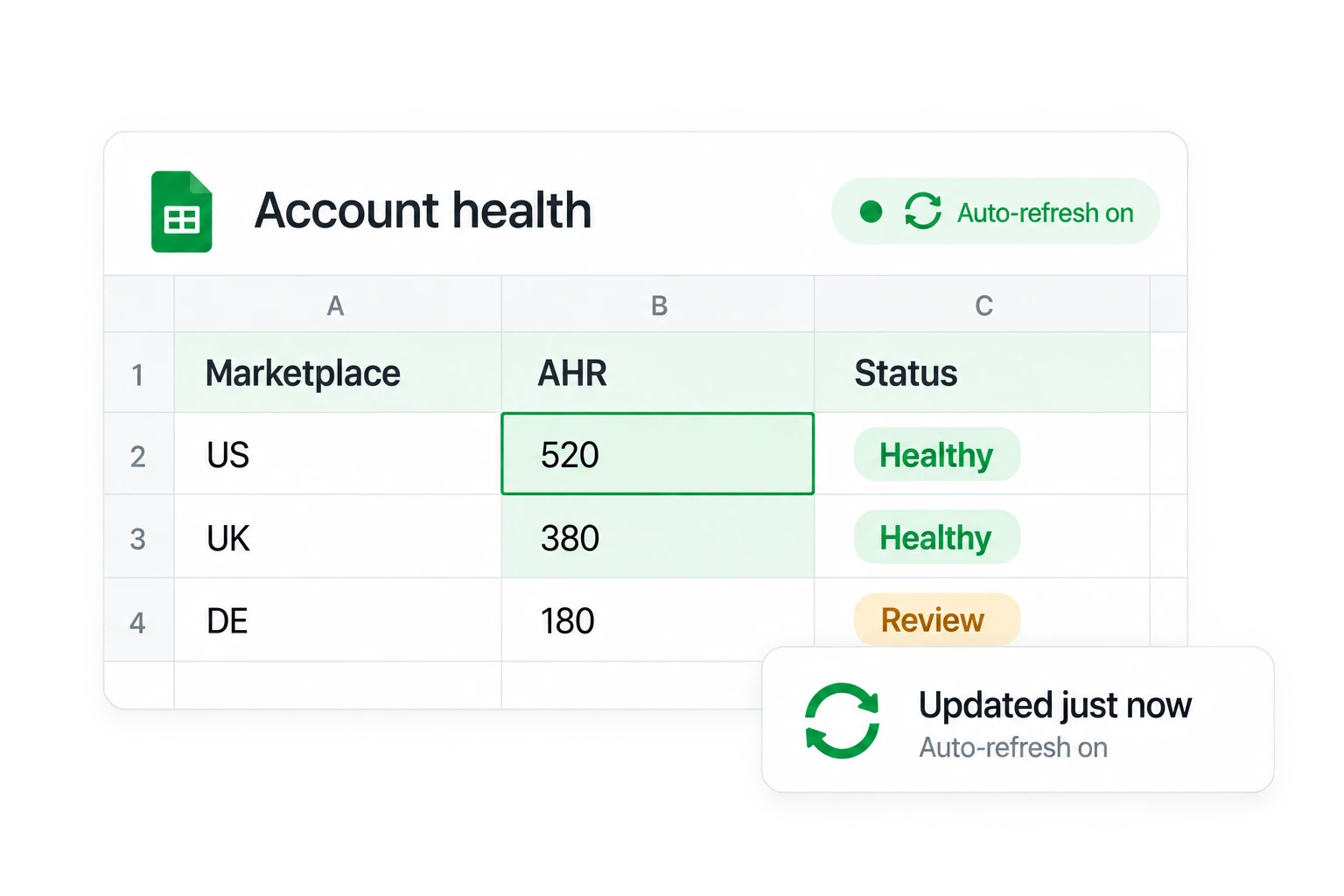
Set up a daily account-health review
Connect your accounts once. Keep the metrics your team checks in one spreadsheet.
1. Connect Seller Central
Install Hopted, open a Google Sheet, and connect Amazon Seller Central. Choose the Seller Performance report.
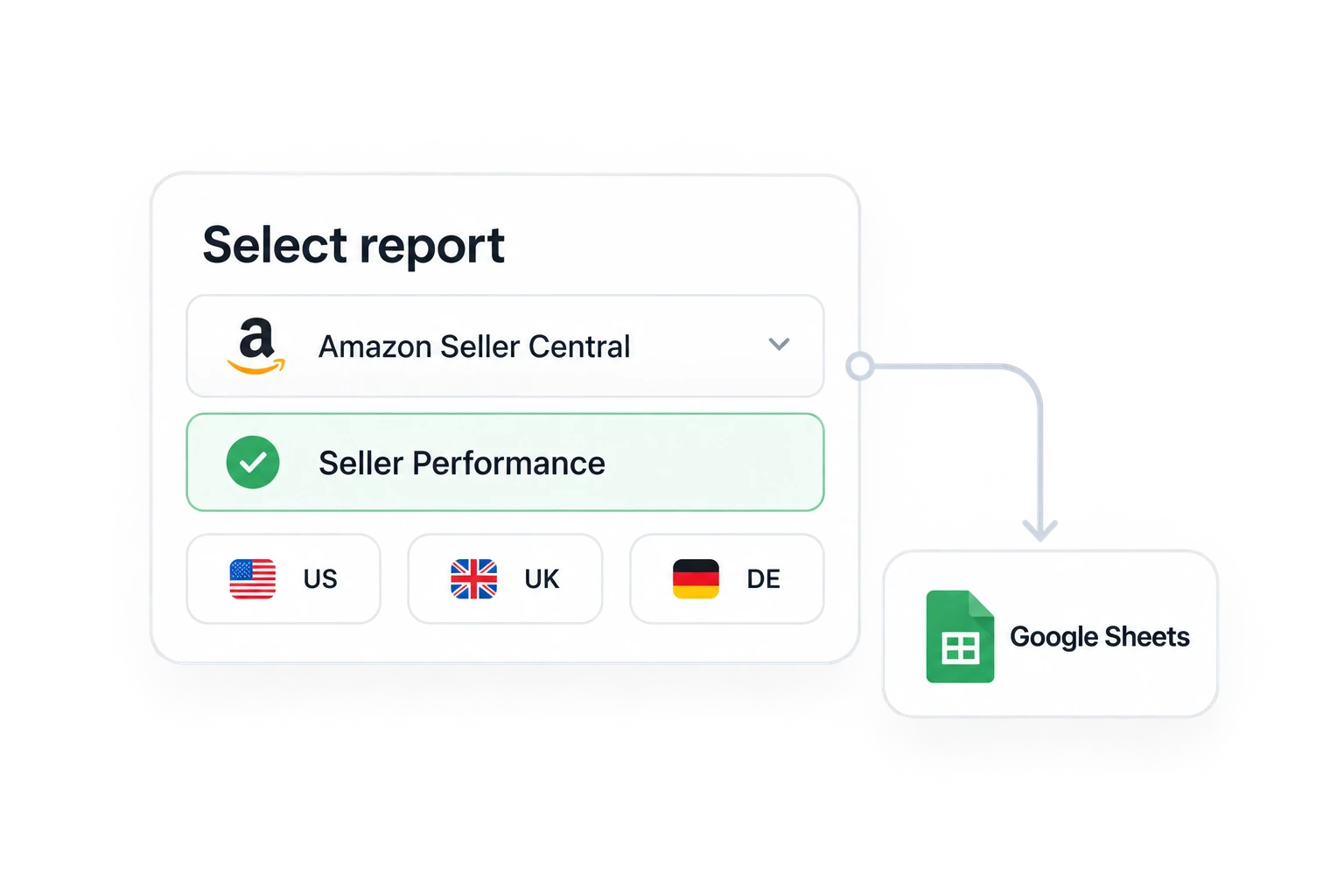
2. Choose accounts and metrics
Select the accounts, marketplaces, and columns you need. Keep account and marketplace identifiers beside every metric.
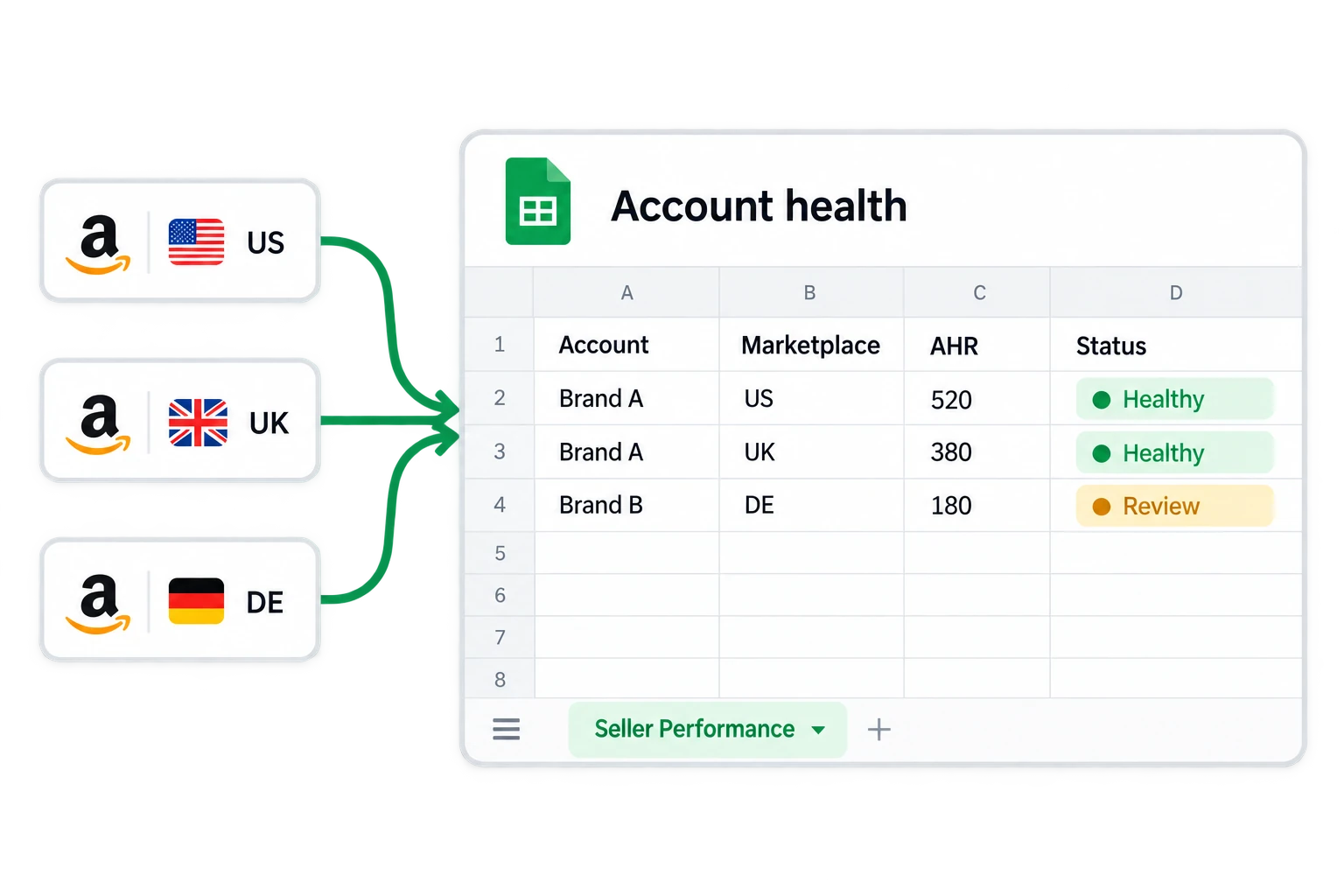
3. Schedule and review
Choose a refresh schedule, such as daily at 9:00 AM. Use conditional formatting to flag reported issues and review them in Seller Central.
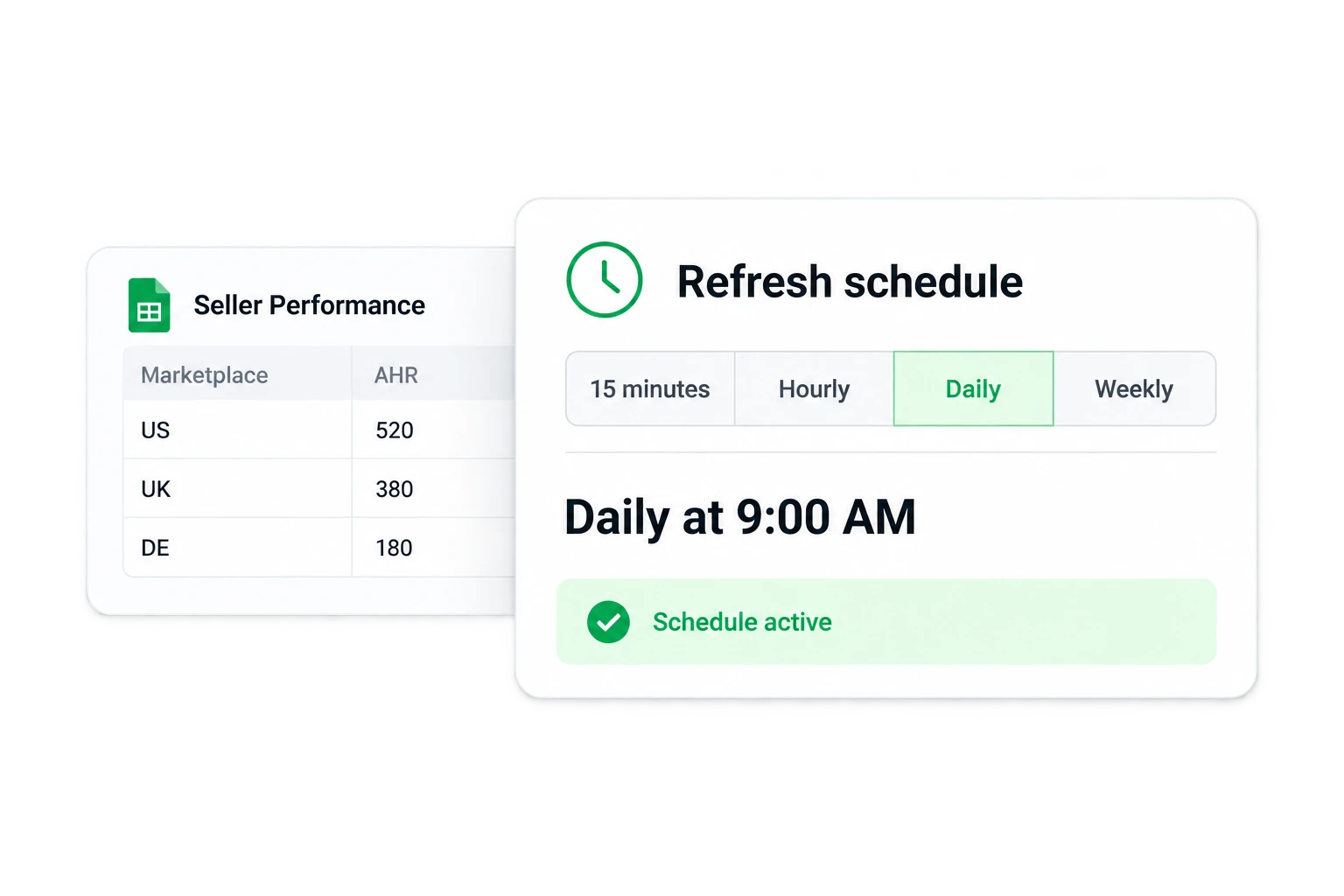
Keep the right metrics in view
Account status and AHR
Review Account Status, AHR Status, and AHR Score together. Keep the AHR reporting dates visible.
Order defect rates
Track FBA and MFN separately, with each rate, reported status, target, and reporting window.
Shipping and tracking
Monitor Late Shipment Rate and Valid Tracking Rate. Compare each metric with its own reported target and period.
Policy violations
Include available policy-violation counts and statuses. Missing data means unavailable, not zero or healthy.
Get interactive dashboards and custom apps
Describe what you need in plain language. AI turns your spreadsheet data into interactive views that update as your data changes—all inside Google Sheets.
Account-health monitoring FAQ
Choose Seller Performance in Hopted’s Amazon Seller Central connector. Import the account-health, order-defect, shipping, tracking, and policy fields relevant to your review.
Yes. Select the connected accounts and marketplaces you need, and keep their identifiers in the report so each status can be traced to its source.
Hopted imports on your chosen schedule. Sheets canvas reflects changes to its source tab, while the freshness of the underlying metrics still depends on Amazon’s reporting.
No. You can use the imported report with ordinary Sheets filters, formulas, and conditional formatting. Sheets canvas is an optional dashboard layer that requires an eligible Google plan.
Sheets canvas can support editing. For account-health monitoring, keep the dashboard read-only. Check the generated controls before use, and keep source metrics unchanged.
No. Use the dashboard to organize your review, then open Seller Central for the latest issue details and any required action. Monitoring does not guarantee that an account will avoid suspension.
Take the next step.
Work with Amazon data in Google Sheets — without manual exports.
