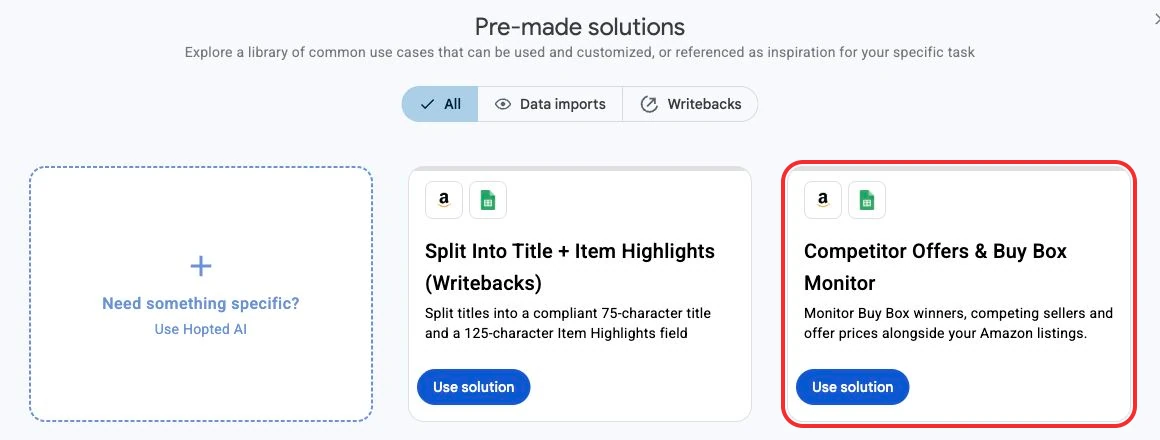
See competing sellers and Buy Box winners in Google Sheets
Bring the sellers competing on your ASINs into the same Google Sheet as your listings. See who is winning the Buy Box, compare offer prices including shipping, and find products that need a closer look.
The new Competitor Offers & Buy Box source adds current offer data alongside your listing rows. Use it to investigate a Buy Box loss or review a pricing opportunity. Private label brands can also track potential listing hijackers by reviewing the other sellers and offers on their products.
See the competition behind each listing
- Who is winning: review current Buy Box offers, your Buy Box share and the number of sellers winning across the returned customer segments.
- What shoppers can pay: compare item prices, shipping costs and the lowest offer price including shipping.
- Who else is selling: inspect other seller IDs, offer details, fulfillment and Prime eligibility when Amazon returns them.
- Where to investigate pricing: see Amazon's external-retailer Competitive Price benchmark when available.
Try it yourself in under a minute
Open Hopted → Pre-made solutions in Google Sheets and choose Competitor Offers & Buy Box Monitor.